Solutions / Geofencing and alerts
Geofencing and alerts
Be told when something needs you
Draw no-go areas on the map, set your speed limit, and let Handova tell you about shortages, losses, problems, services and expiring papers.
Included from the Premium plan
What you get
Geofencing and alerts in Handova
No-go areas
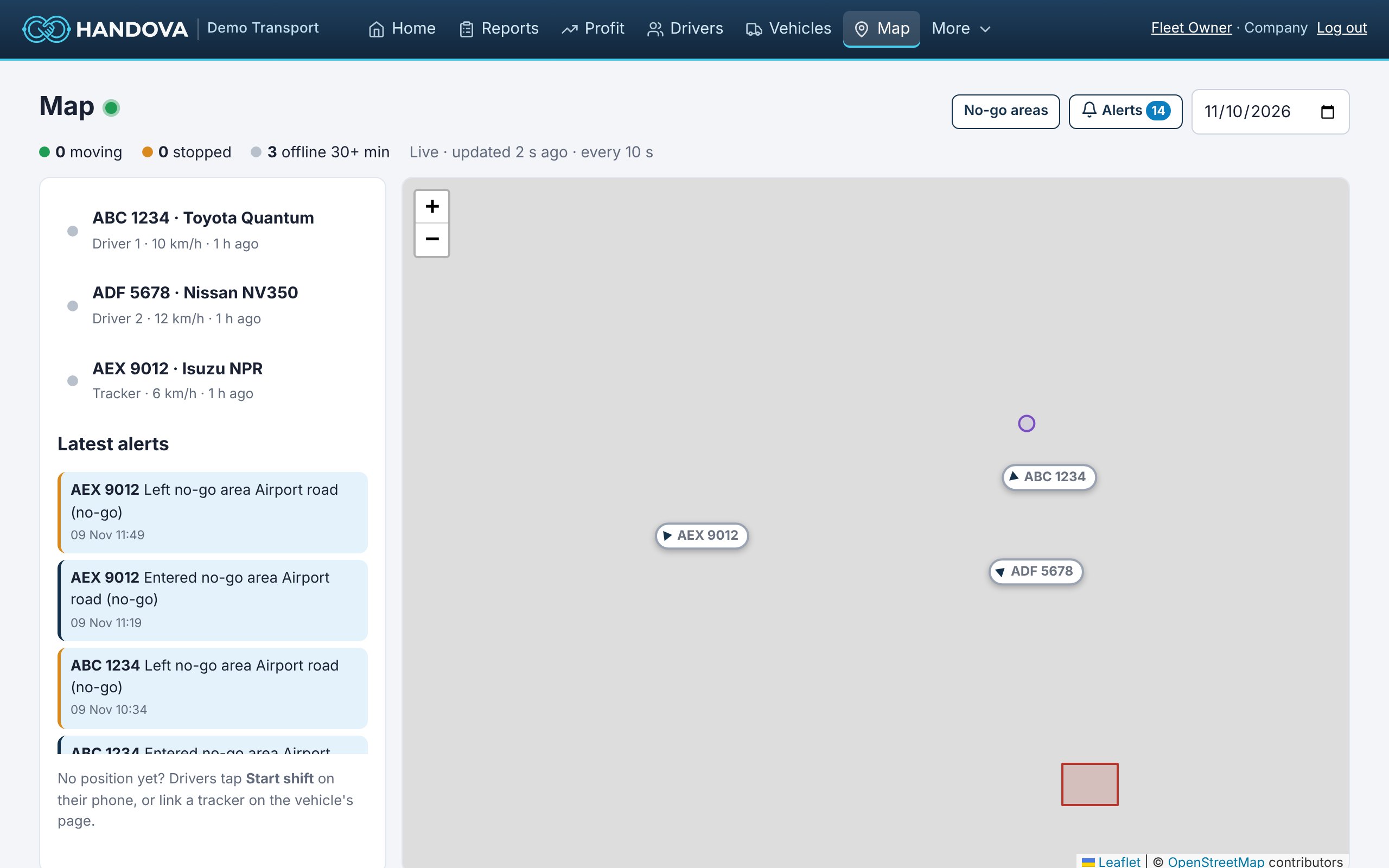
Draw areas on the map. You get an alert when a vehicle enters one (Premium plan).
Speeding alerts
Choose your own speed limit and get alerts in the app and by email (Ultimate plan).
Cash shortages
Handovers below what should have been handed over are flagged.
Money alerts
Vehicles that lose money over a period are pointed out in plain words.
Safety problems
Failed start-of-shift checks reach the manager at once.
Reminders
Services due and documents about to expire.
How it works
Ready in three steps
- 1
Open the No-go areas page and draw an area.
- 2
Choose who gets alerts.
- 3
See every alert on the Alerts page and your home screen.
Questions
Common questions
Do alerts work with phone tracking?
Yes, while a shift is on. Trackers give alerts 24/7.
Are alerts sent by SMS?
Alerts show in the app and by email. SMS is on our roadmap.
How many areas can I draw?
As many as you need.
Also in Handova
Works together with
GPS vehicle tracking
A live map of your whole fleet, the route each vehicle drove each day, and GPS distance checked against the odometer, fr…
Learn moreRoute optimization
See the route every vehicle drove each day, compare it with the distance drivers report, and find detours, private trips…
Learn moreVehicle maintenance
A maintenance log for every asset, service reminders by date or distance, document expiry alerts, and safety-check probl…
Learn moreReady to see what your fleet really earns?
Founding customers get Standard free for 3 months. Already using Handova? Log in to your account.